
|
|

Delivers static pressure for AIO liquid coolers. Seven blades provide powerful airflow. Frame design with anti-vibration rubber corners dampens noise. The Fluid Dynamic Bearing offers a 60,000-hour lifespan. PWM fan for optimized cooling adjustments. The F140P fan is designed for high static pressure that forces air through small spaces in your PC allowing more air in small compartments. This fan is designed to cool heat sinks and radiators. Fan controls and lighting effects are compatible with NZXT CAM.. Performance. Mean time between failures (MTBF). 60000 h. Quantity per pack. 1 pc(s). Pump connector. 4-pin. Bearing type. Fluid Dynamic Bearing (FDB). Maximum air pressure. 2.75 mmH2O. Minimum air pressure. 0.91 mmH2O. Maximum airflow. 99.68 cfm. Minimum airflow (imperial). 33.22 cfm. Noise level (high speed). 32.1 dB. Noise level (low speed). 19.4 dB. Rotational speed (max). 1500 RPM. Rotational speed (min). 500 RPM. Fan diameter. 14 cm. Type. Fan. Suitable location. Computer case. Design. Fan connector. 4-pin. Illumination LED. No. Material. Plastic, Rubber. Product colour. Black. Power. Rated current. 0.28 A. Rated voltage. 12 V. Power supply. 3.36 W. Weight & dimensions. Fan dimensions (W x D x H). 140 x 140 x 26 mm. Other features. Country of origin. China. manual pdf
Best Price: £25.99 from Back to the Office £25.99£149.652
| Retailer | Price | |
|---|---|---|
| Back to the Office | £25.99 | Go to shop |
| Computers Deal | £149.65 | Go to shop |
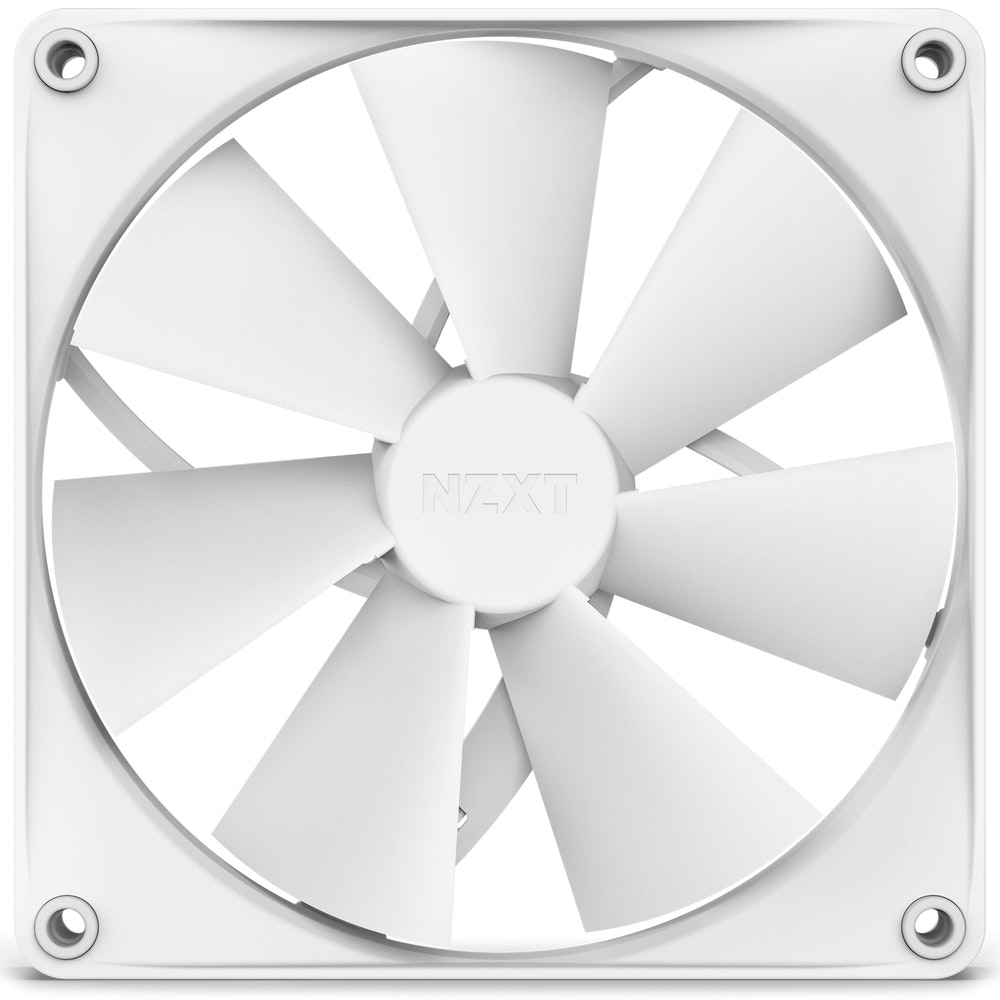
The F140P fan is designed for high static pressure that forces air through small spaces in your PC allowing more air in small compartments. This fan is designed to cool heat sinks and radiators. Fan controls and lighting effects are compatible with NZXT...

Seven thick blades are designed for high static pressure so air can be pushed through tight spaces, ideal for mounting on radiators and heatsinks. Minimal gap between blade edges and frame maximizes the spinning area for higher airflow volume and efficiency....

Single-frame unit with integrated fans streamlines installation, setup, and lighting control—no need to connect individual fans. Simply connect a single cable to an NZXT controller (sold separately) for lighting and speed control via NZXT CAM software....
|
|