
|
|

Ideal for creating short term labelling solutions. Adheres to a wide variety of surfaces. Sticks securely but removes easily. Made from FSC® certified paper from responsibly-managed forests. Print your labels with FREE Avery Design & Print online label creator. Avery removable round labels are ideal for crafting, home and office organising and more! They are perfect for marking documents, folders and personalising many other items that matches your needs. These labels are easy to peel and apply, with an adhesive that leaves no residue once removed, this is perfect for temporary solution. The label adhesive sticks to glass, plastic, paper and more, allowing you to put your mark on nearly any product. These round labels are 37mm diameter in size and there are 24 on each printable sheet. With 25 sheets in a pack, that’s 600 labels in total. Ideal for folders, documents, jars, bottles, gifts, packaging, stickers, brochures…. To get the most out of Avery labels we recommend using our FREE Design & Print Software With free pre-designs, templates and software, Design & Print makes it easy to add a logo, photo, fancy text or even a QR code on all your labels. Whether you're a design novice or expert, you'll be able to customise your labels and get great results. Go to avery.co.uk/print to get started!. Our FSC® certified labels are not only environmentally friendly they print with a sharp image and clear colours for a totally professional appearance.. Features. Product colour. White. Coloured paper. No. Sheets per pack. 25 sheets. Paper size. A4 (210x297 mm). Recommended usage. Laser/Inkjet printing
Price: £20.83 from Back to the Office
| Retailer | Price | |
|---|---|---|
| Back to the Office | £20.83 | Go to shop |
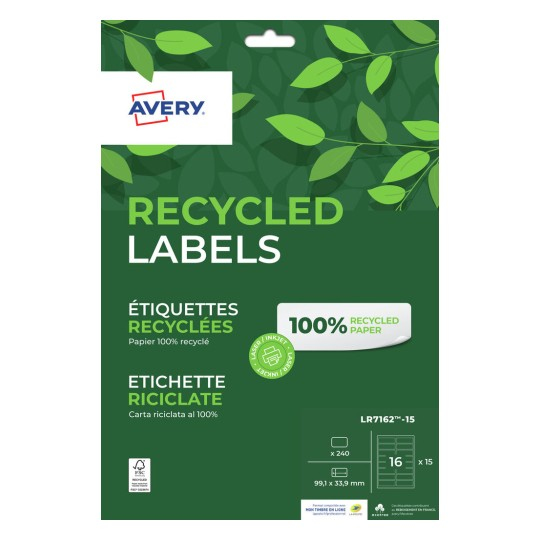
Avery LR7162-15. Recommended usage: Laser/Inkjet printing, Paper size: A4 (210x297 mm), Sheets per pack: 15 sheets. Quantity per pack: 1 pc(s)
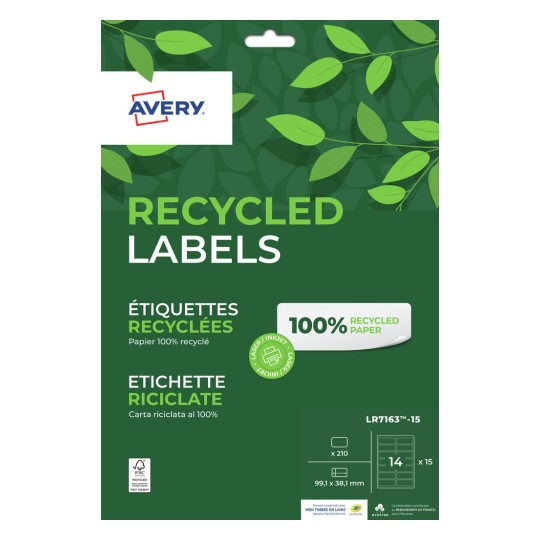
Avery LR7163-15. Recommended usage: Laser/Inkjet printing, Paper size: A4 (210x297 mm), Sheets per pack: 15 sheets. Media size (1 slide): 99.1 x 38.1mm
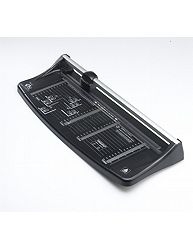
Don’t spoil those special memories by trimming photos to the wrong size. It is easy to trim them to the right size for your photo frames or albums. Just use the A3 Photo and Paper Trimmer. It has templates to match the photographic software on your...
|
|